How to Install Brave on Windows 10
Install the Brave web browser on a fresh Windows 10 install through the Microsoft Store — then pin it to the taskbar and confirm it's working.
windows2 minverified Oct 2, 2024

12 tutorials and 12 software profiles filed under Systems & Environment — all independently tested and verified.
Install the Brave web browser on a fresh Windows 10 install through the Microsoft Store — then pin it to the taskbar and confirm it's working.
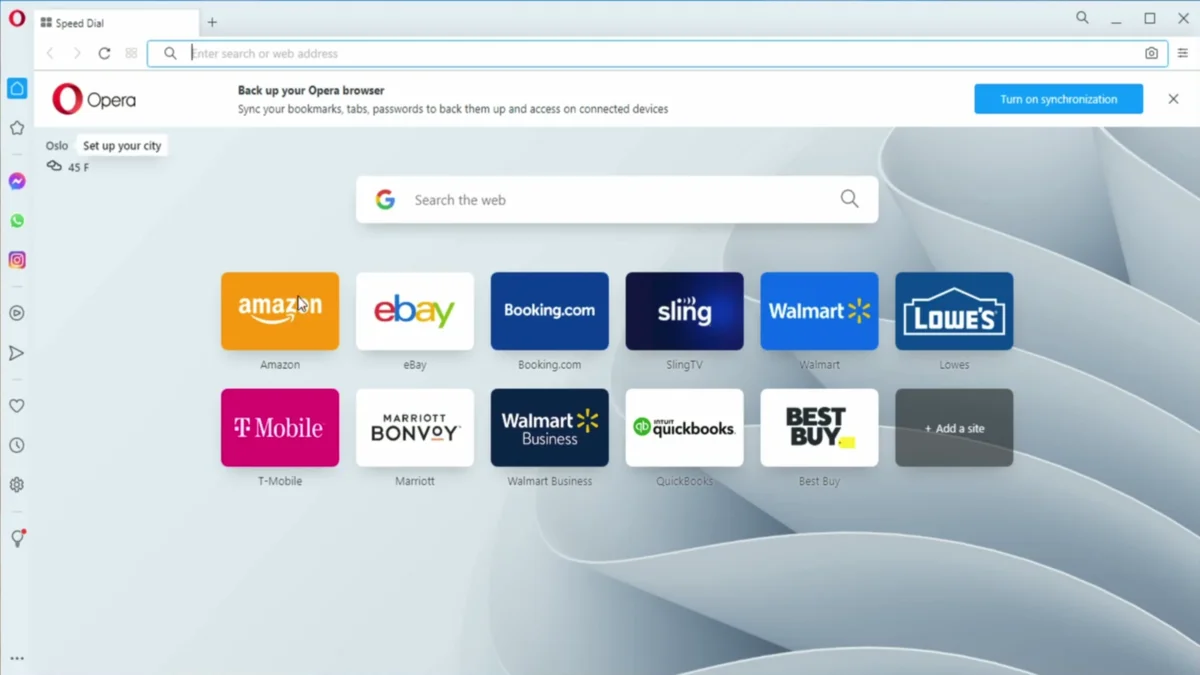
Install the Opera web browser on a fresh Windows 10 install through the Microsoft Store — then pin it to your taskbar and start browsing.
Install Mozilla Firefox on a fresh Windows 10 install through the Microsoft Store — then skip the setup screens and start browsing.
Install Google Chrome on Windows 10 from the Microsoft Store — the quickest method, with no third-party sites or download links needed.
Install Windows 11 completely offline with a local account — no email, no tracking, full control. Uses the registry BypassNRO trick to skip the forced Microsoft sign-in.

Learn to calculate age from a birthdate using Excel's DATEDIF function — format dates, enter the formula, and fill down to all rows.
Install Chromium on Alpine Linux 3.22 from the community repo — enable it, install the package, verify the version, and launch with or without a sandbox.
Learn how to install sudo on Alpine Linux, create a new user, grant sudo privileges via the wheel group, and verify everything works — step by step.
Install the GNOME desktop environment on Alpine Linux 3.22 — from a minimal terminal-first system to a fully graphical desktop with GDM login.
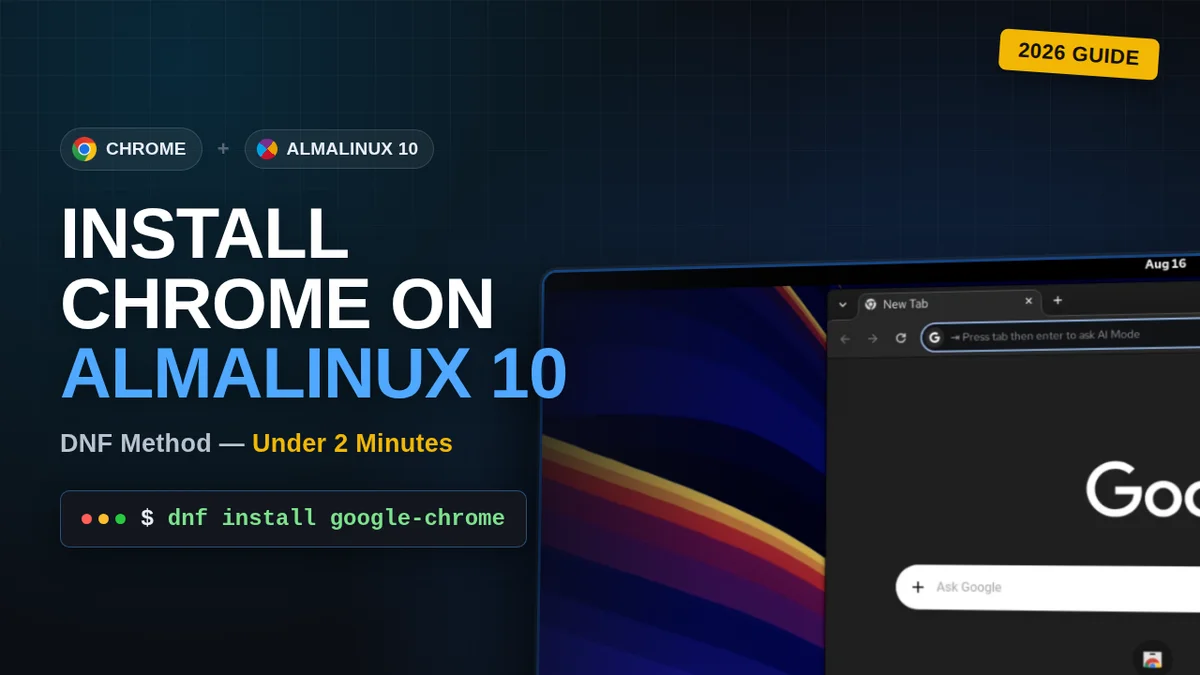
Install the latest stable Google Chrome on AlmaLinux 10 with DNF, including the extra signing-key step required on AlmaLinux 10.
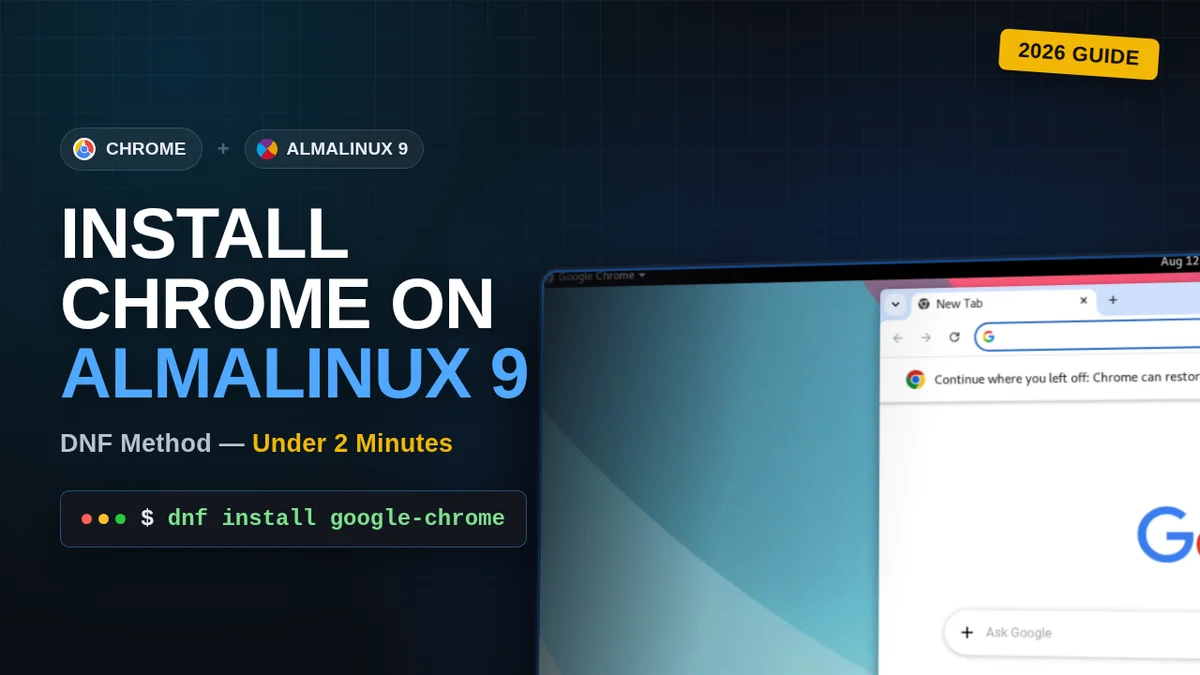
Install the latest stable Google Chrome on AlmaLinux 9 with DNF, straight from Google's official RPM.
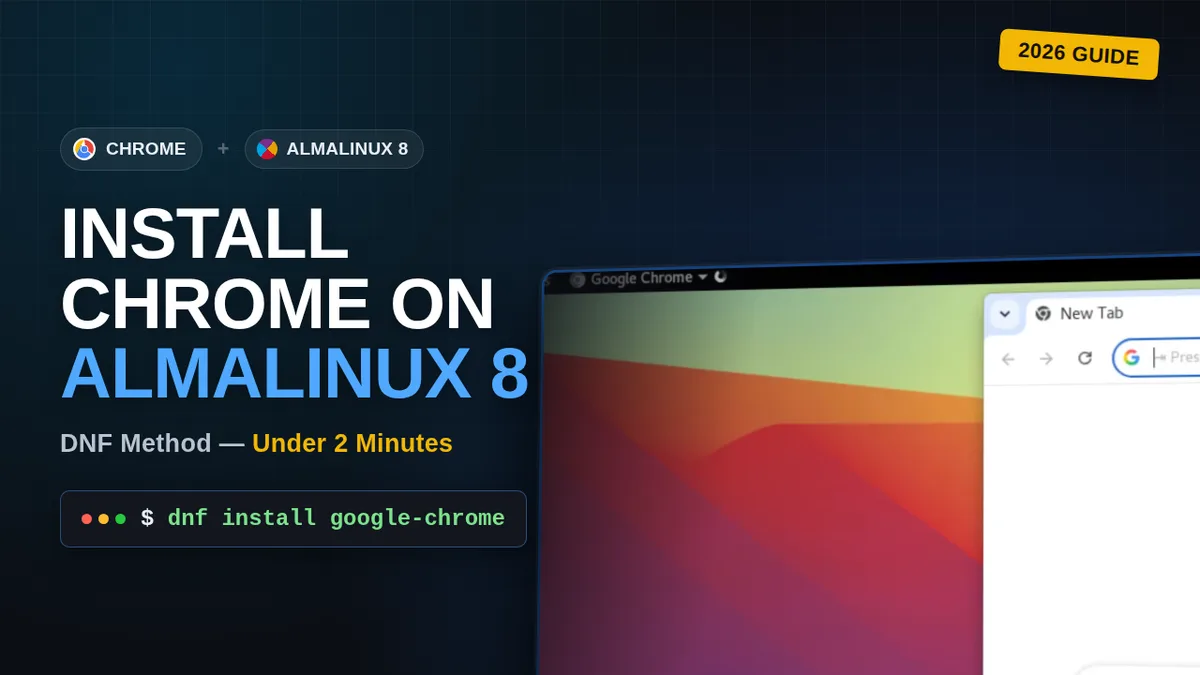
Step-by-step guide to installing the latest Google Chrome on AlmaLinux 8 using DNF, straight from Google's official repo.
Microsoft's business-oriented edition of Windows 11 — adds BitLocker encryption, Hyper-V virtualization, Windows Sandbox, Group Policy management, and Windows Update for Business controls on top of the Home edition, used as the baseline environment for ElectronixZone's Windows 11 tutorials.
Full-featured desktop virtualization software from VMware for running virtual machines on Windows — free for personal, non-commercial use since 2024.
Microsoft's professional edition of Windows 10 — the desktop operating system used as the baseline environment for ElectronixZone's Windows 10 tutorials.
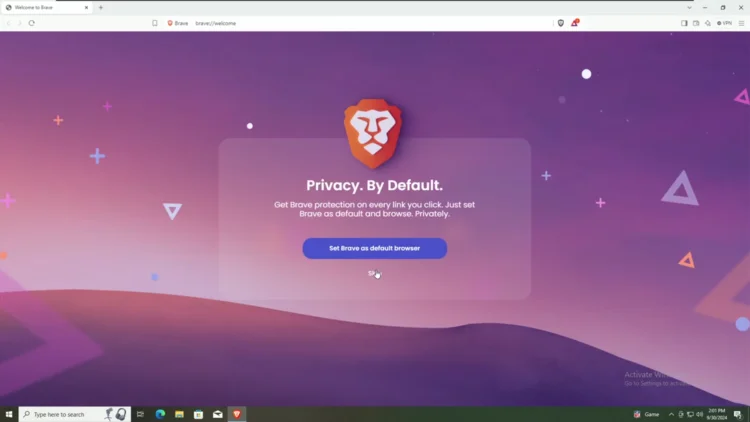
Brave's free, Chromium-based web browser — built-in ad and tracker blocking, open-source client code, for Windows, macOS, and Linux.
Mozilla's free, open-source web browser — Firefox-based, privacy-focused, for Linux, Windows, and macOS.
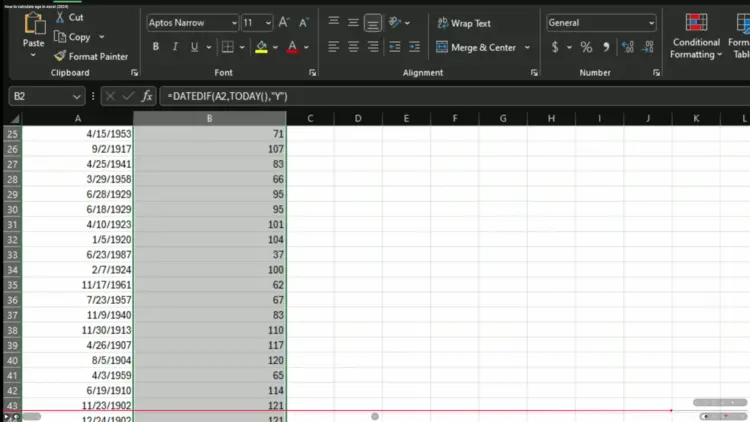
Spreadsheet application for data analysis, calculations, and visualization — part of Microsoft 365. Proprietary freeware with free web version.
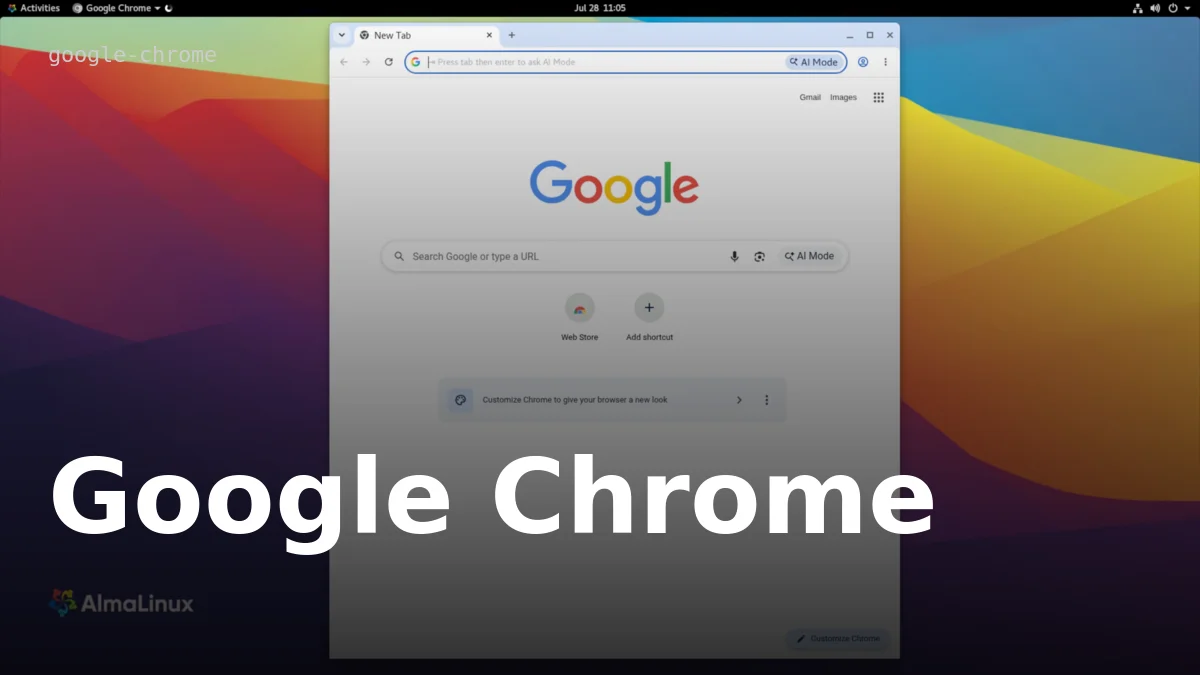
Google's free, cross-platform web browser — Chromium-based, proprietary freeware for Linux, Windows, and macOS, with a verified install guide for AlmaLinux 8.