How to Install Chromium on Alpine Linux 3.22
Install Chromium on Alpine Linux 3.22 from the community repo — enable it, install the package, verify the version, and launch with or without a sandbox.
linux4 minverified Aug 25, 2026

33 verified guides for running AI on your own hardware.
Install Chromium on Alpine Linux 3.22 from the community repo — enable it, install the package, verify the version, and launch with or without a sandbox.
Learn how to install sudo on Alpine Linux, create a new user, grant sudo privileges via the wheel group, and verify everything works — step by step.
Install the GNOME desktop environment on Alpine Linux 3.22 — from a minimal terminal-first system to a fully graphical desktop with GDM login.
Install the latest stable Google Chrome on AlmaLinux 10 with DNF, including the extra signing-key step required on AlmaLinux 10.
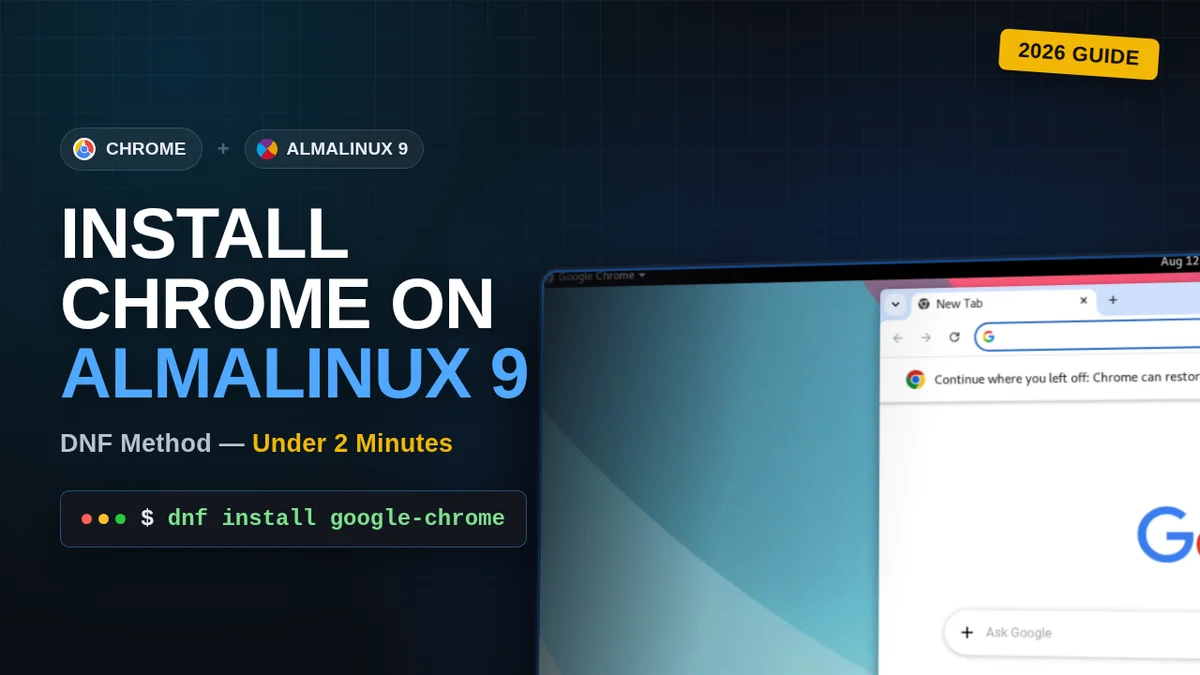
Install the latest stable Google Chrome on AlmaLinux 9 with DNF, straight from Google's official RPM.
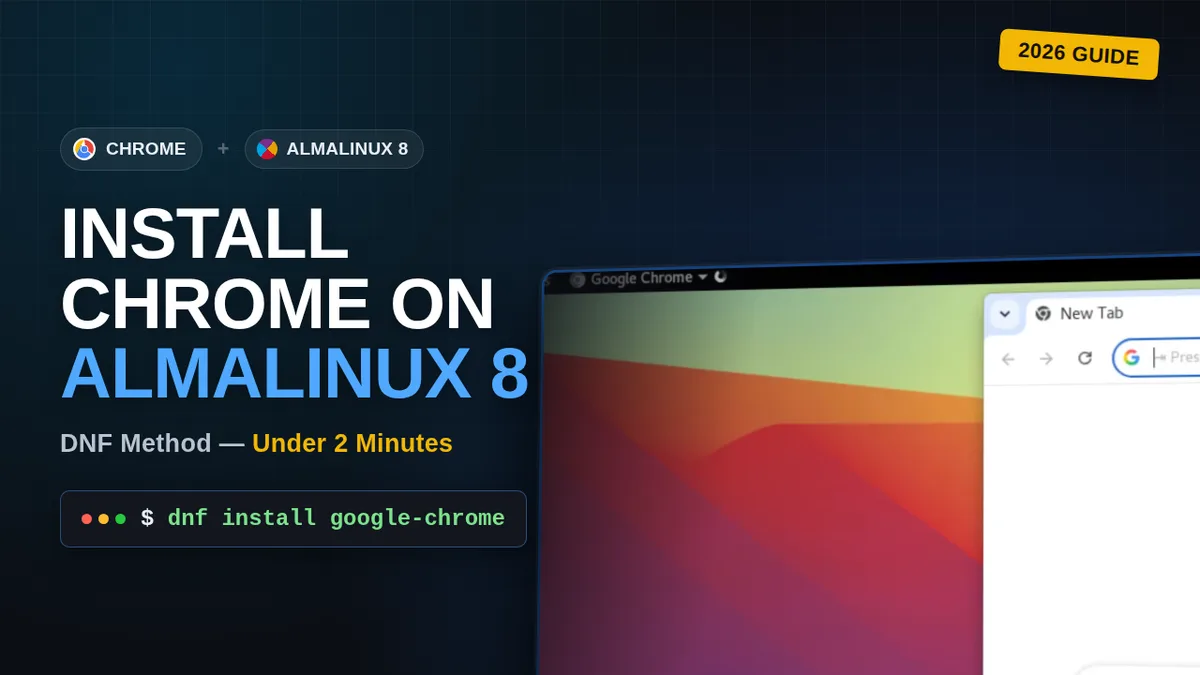
Step-by-step guide to installing the latest Google Chrome on AlmaLinux 8 using DNF, straight from Google's official repo.
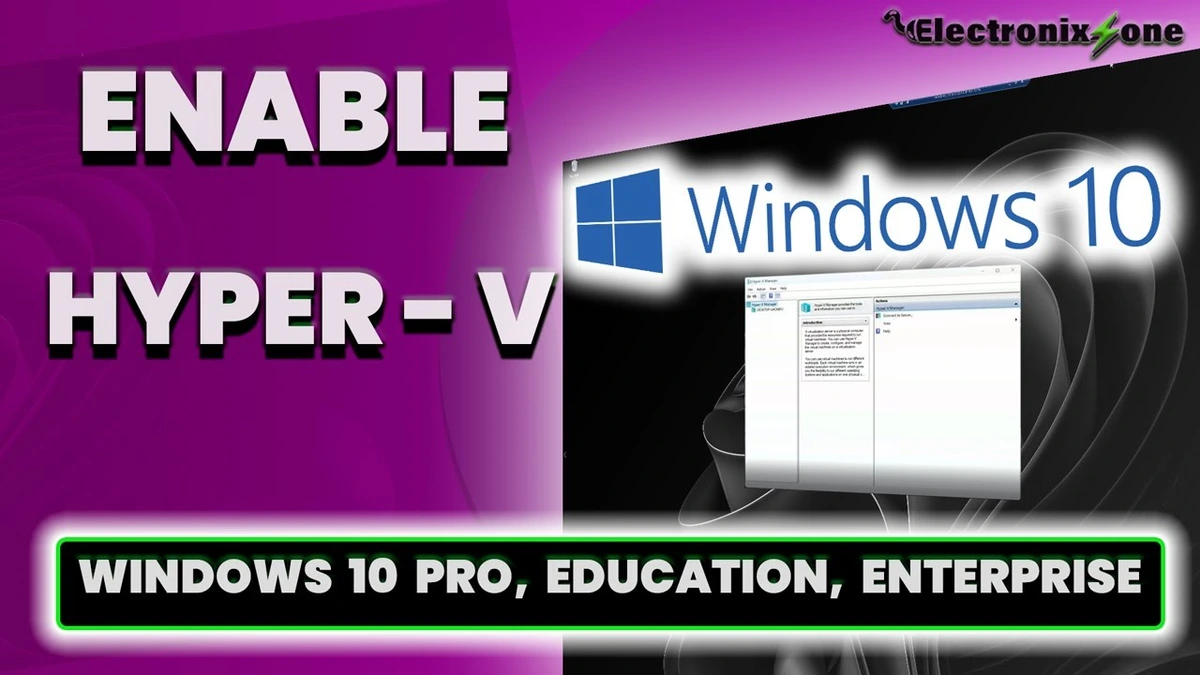
Enable Hyper-V on Windows 10 Pro, Education, or Enterprise so you can run virtual machines directly on your PC. This guide covers confirming CPU virtualization support in Task Manager or BIOS, turning on the Hyper-V feature through Windows Features, restarting, and confirming it's active in Hyper-V Manager.
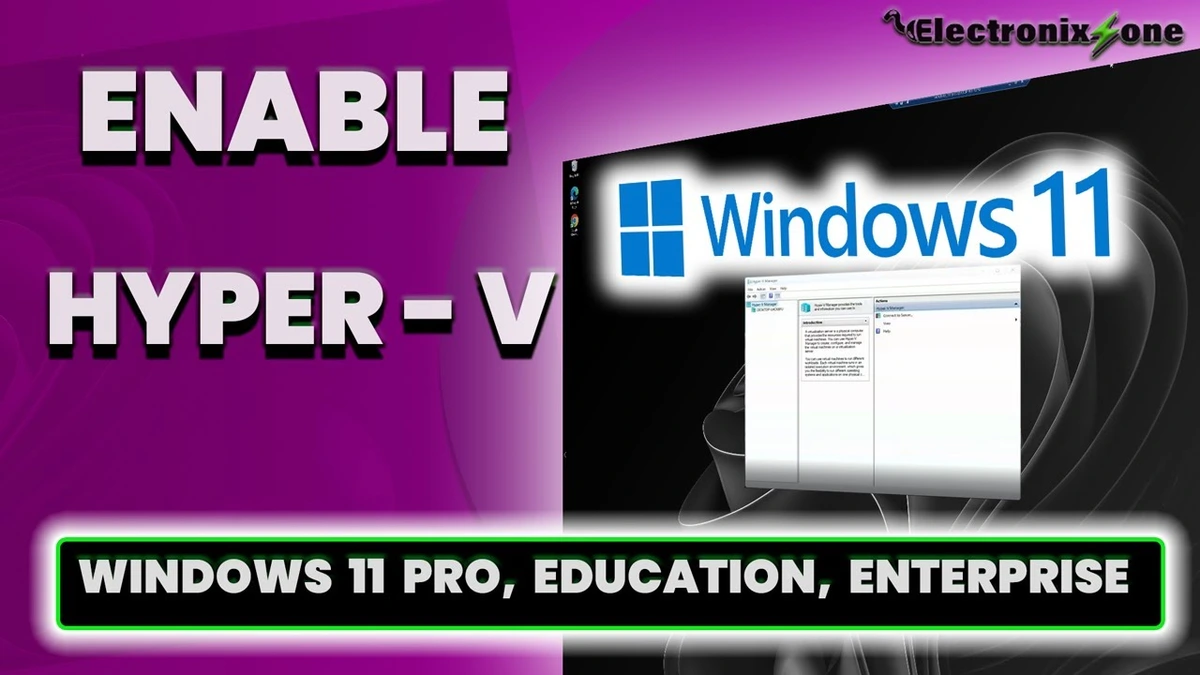
Learn how to enable Hyper-V on Windows 11 (Pro, Education, or Enterprise editions). This tutorial covers checking CPU virtualization in Task Manager and BIOS, turning on the feature through Windows Features, restarting your PC, and verifying activation in Hyper-V Manager to start creating virtual machines.
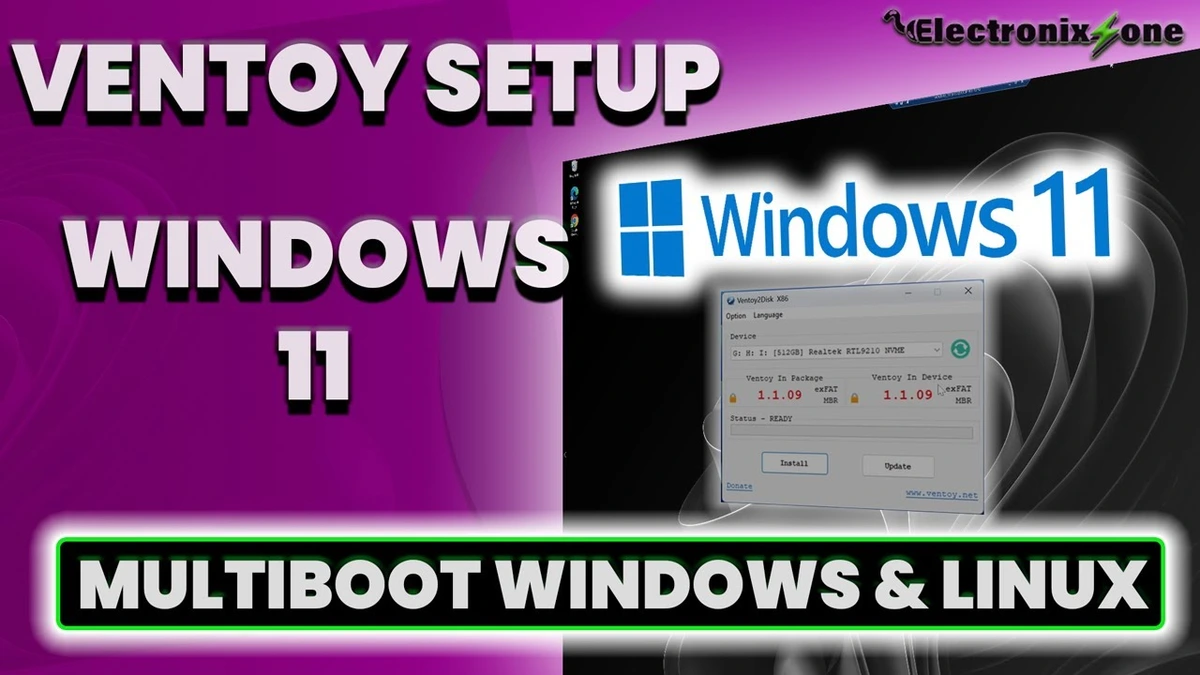
This tutorial shows how to install Ventoy on an external NVMe drive using Windows 11. Steps include downloading the Ventoy Windows zip, running the "Ventoy to Disk" installer, formatting the target drive, and copying multiple ISOs like Windows 10, Windows 11, and Ubuntu. You will also learn how to access your system's BIOS, change the boot priority to load Ventoy first, and successfully boot into each ISO.
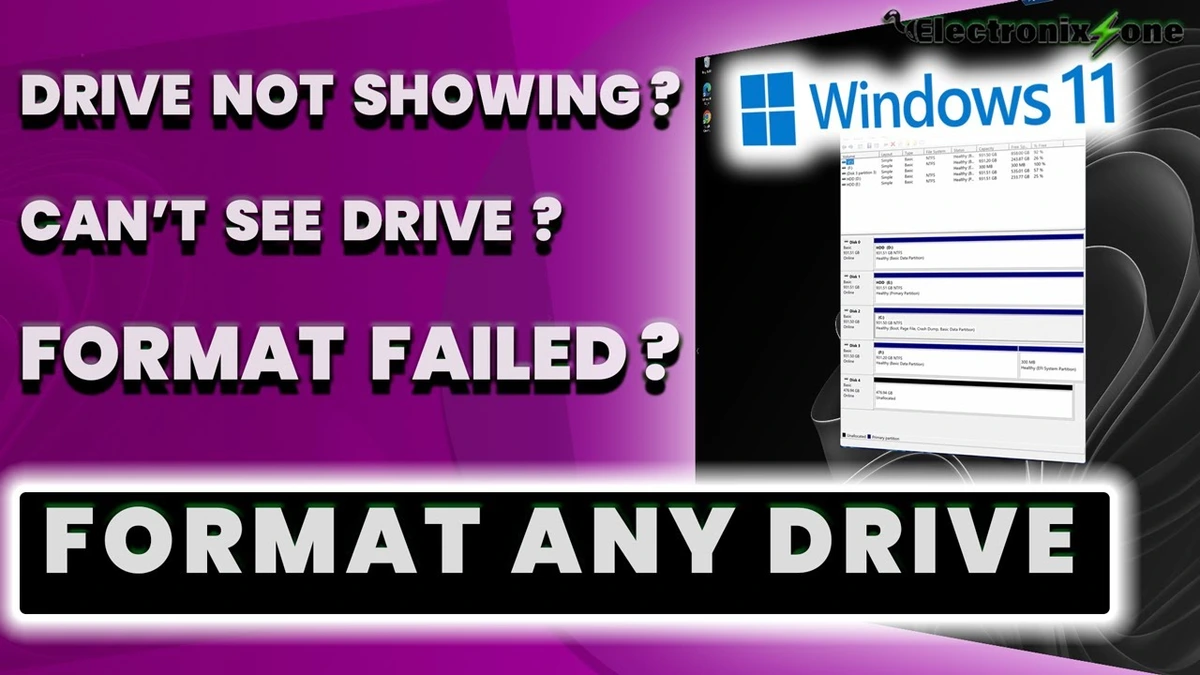
Learn two methods to format a drive on Windows. Method one uses Disk Management to easily create a new simple volume, format it as NTFS, and assign a drive letter. Method two uses Command Prompt and DiskPart for advanced troubleshooting when standard formatting options are greyed out or disabled in Disk Management. Follow along for step-by-step commands to partition, clean, and initialize your drive.
This tutorial shows how to set a custom desktop wallpaper on unactivated Windows 11, locate the default Windows background folder, and enable true dark mode by adjusting two registry values in the Registry Editor.
Install Windows 11 completely offline with a local account — no email, no tracking, full control. Uses the registry BypassNRO trick to skip the forced Microsoft sign-in.
Learn how to properly format a drive in Windows 10 using both the standard Disk Management interface and the advanced DiskPart command prompt utility. This tutorial covers backing up your data, formatting to NTFS with a quick format, and troubleshooting drives that won't format normally by wiping partitions and reassigning drive letters via CMD. Ideal for USB flash drives and external SSDs preparing for OS installation or AI experiments.
Learn how to set up an external NVMe SSD with Ventoy for fast, flexible multi-booting. This step-by-step guide covers downloading Ventoy, running the installer, and dragging and dropping ISOs like Ubuntu and Windows 10/11. You'll also learn how to verify transfer speeds, use the drive as regular storage, adjust your BIOS boot priority, and successfully launch the Ventoy menu to boot multiple operating systems.

Unbox, assemble, and test the Orico M.2 NVMe SSD enclosure in this step-by-step guide. Powered by the Realtek RTL9210 controller and featuring USB 3.2 Gen 2 support (rated for 10GB/s or ~1000 MB/s), this aluminum case with cooling fins works with both PCIe Gen 3 and Gen 4 NVMe drives. Learn the correct installation process, including thermal pad application, and see real-world transfer results (~600 MB/s for 16.3GB). Review performance benefits, heat considerations, USB port requirements, safe ejection practices, and pricing (~$18–$20 USD) for backups, VMs, Ventoy, and portable OS setups.
Learn how to install Windows 10 Pro completely offline without a Microsoft account or internet connection. This tutorial walks you through downloading the official ISO with the Media Creation Tool, booting from a Ventoy USB drive, skipping the product key, and selecting a local "Limited Experience" offline setup. I also explain what remains customizable on a non-activated Windows 10 Pro copy and reference the upcoming tutorial for those customizations.
Learn how to bypass the activation restriction on Windows 10 to set any custom desktop background and unlock full dark mode. This tutorial covers applying custom wallpapers, restoring default backgrounds from C:\Windows\Web\4K Screen, and enabling true dark mode for both apps and system UI. Open Registry Editor and set the AppsUseLightTheme and SystemUsesLightTheme values to 0 under HKEY_CURRENT_USER\Software\Microsoft\Windows\CurrentVersion\Themes\Personalize.
Learn how to create a versatile multi-boot USB drive using Ventoy on Windows 10. This step-by-step tutorial covers downloading Ventoy, cleanly formatting your USB drive with Disk Management and diskpart, installing the bootloader, and copying multiple ISO files for Windows and Linux. Includes practical tips for selecting high-quality USB drives, using USB 3.0/Type-C ports for faster transfers, and configuring BIOS boot priority. A complete written guide with detailed instructions and hardware recommendations is linked in the description.
This tutorial walks you through downloading and installing VMware Workstation Pro 17 for free on Windows 10. Learn how to register for a VMware account, verify your email, select the free personal use license, download the installer, and configure the installation settings step-by-step.
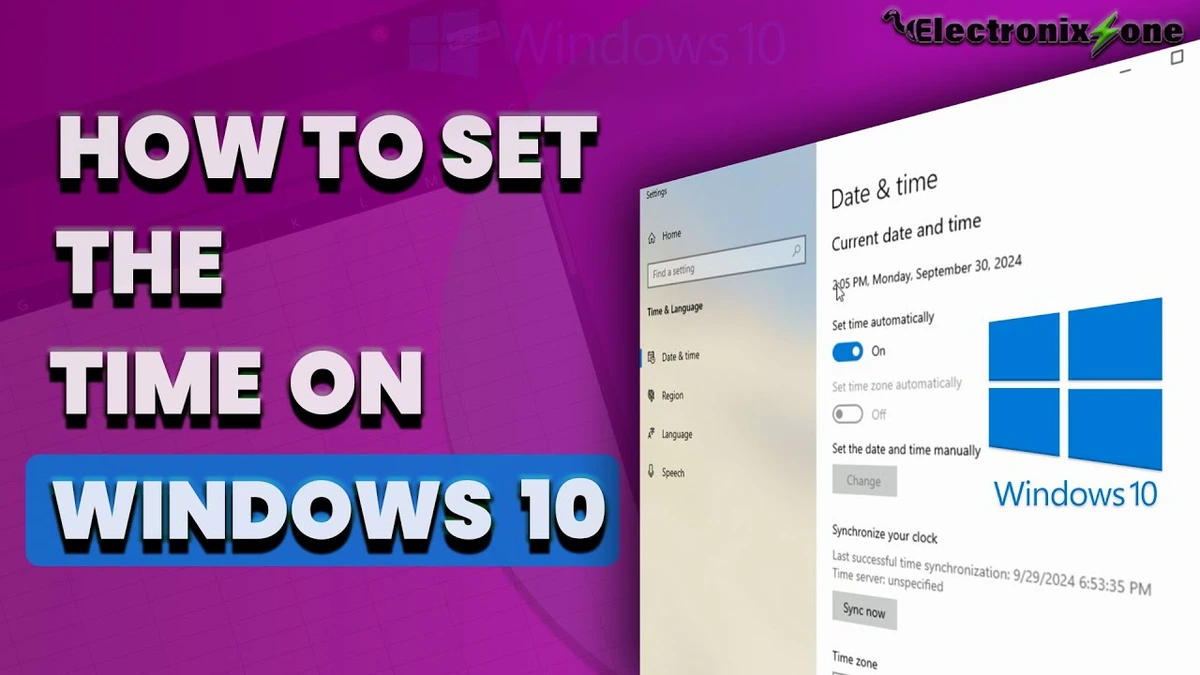
This tutorial demonstrates how to fix an incorrect system clock on Windows 10 by right-clicking the taskbar clock, opening Adjust Date and Time settings, selecting the proper time zone, and clicking Sync Now to update the date and time accurately.
Install the Brave web browser on a fresh Windows 10 install through the Microsoft Store — then pin it to the taskbar and confirm it's working.
Install the Opera web browser on a fresh Windows 10 install through the Microsoft Store — then pin it to your taskbar and start browsing.
Install Mozilla Firefox on a fresh Windows 10 install through the Microsoft Store — then skip the setup screens and start browsing.
Install Google Chrome on Windows 10 from the Microsoft Store — the quickest method, with no third-party sites or download links needed.
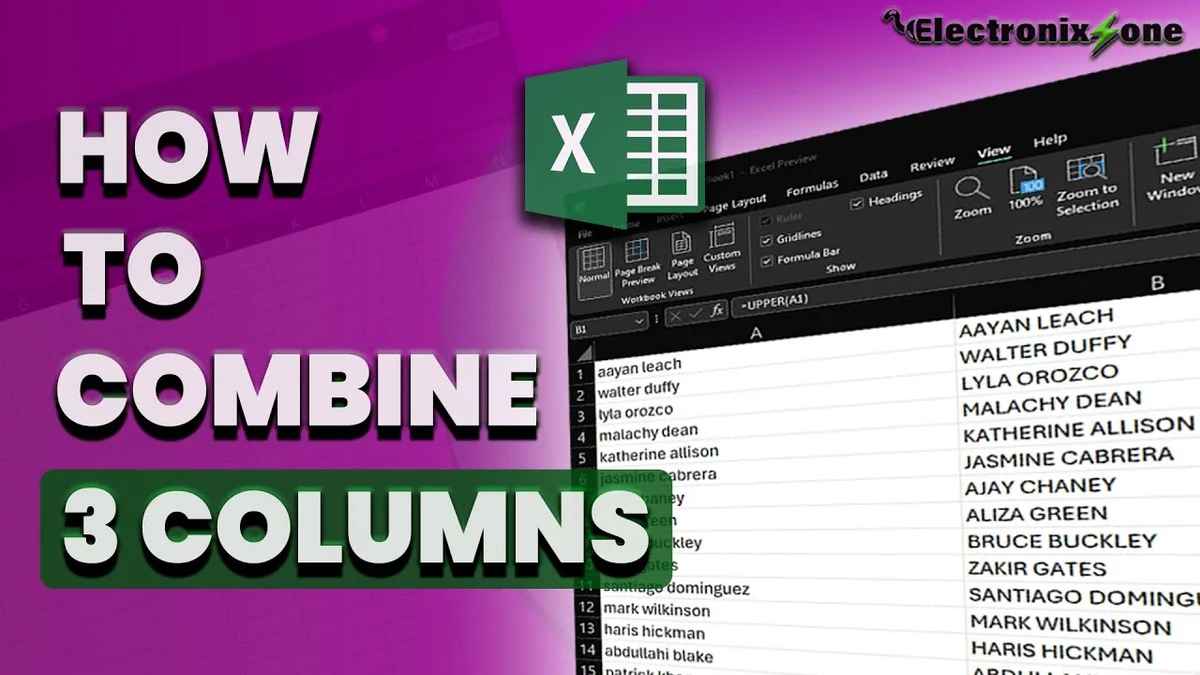
Learn how to combine three columns into one using Excel's CONCAT function — enter the formula with separators, add a space between each value, and fill down to all rows.
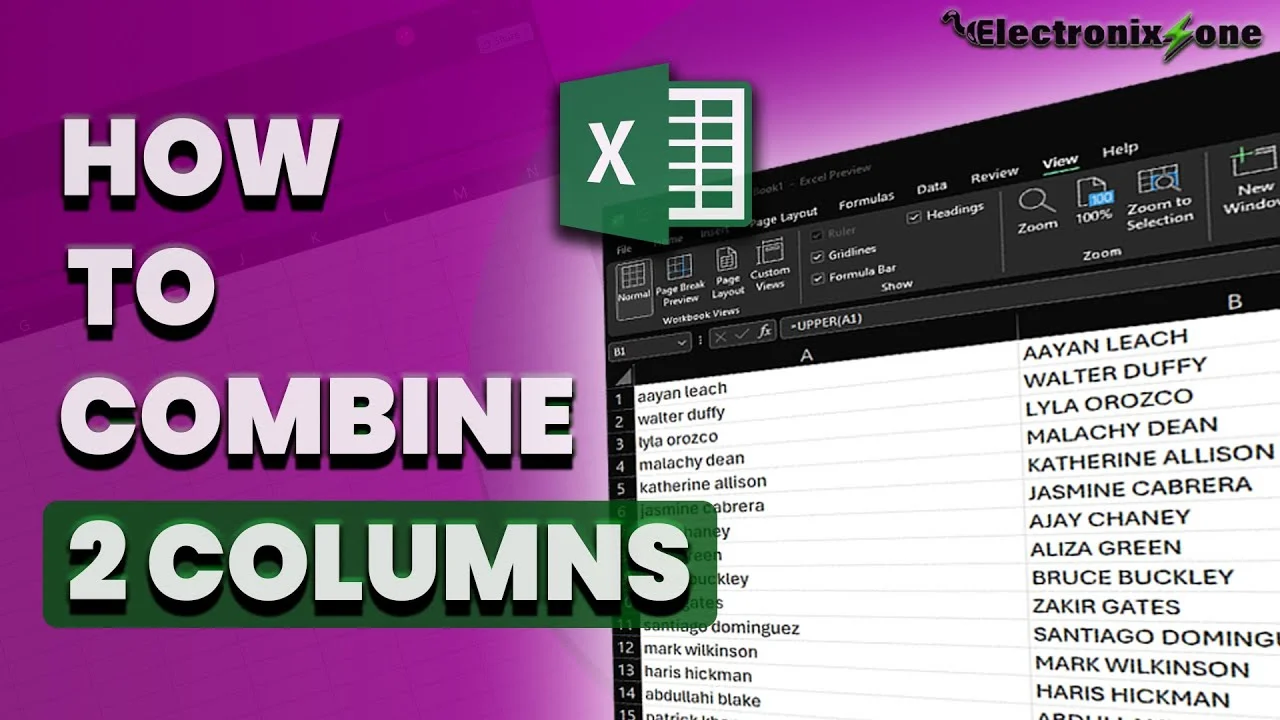
Learn how to merge two columns into one using Excel's CONCAT function — enter the formula, add a space separator, and fill down to all rows.
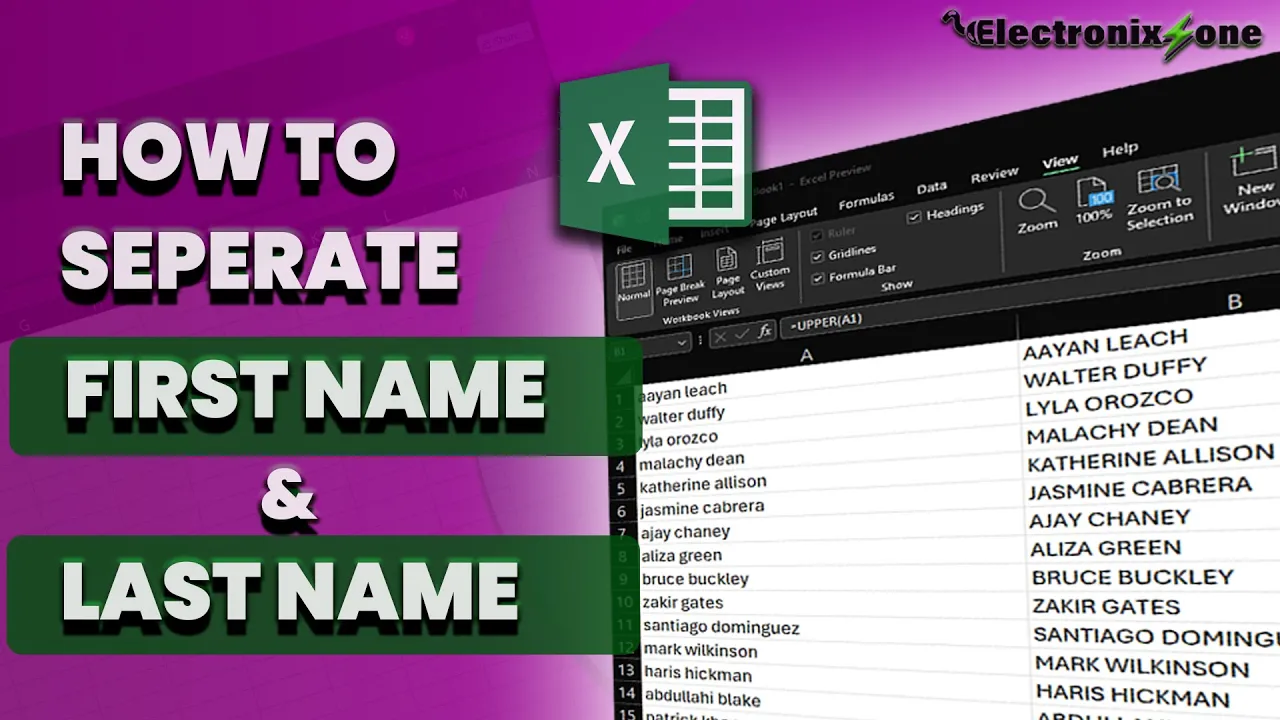
Learn how to split a full name column into separate first and last name columns using Excel's Text to Columns feature.

Use Excel's POWER formula to square one number, then fill it down an entire column in seconds. A faster way to bulk-square numbers.

Learn to calculate age from a birthdate using Excel's DATEDIF function — format dates, enter the formula, and fill down to all rows.
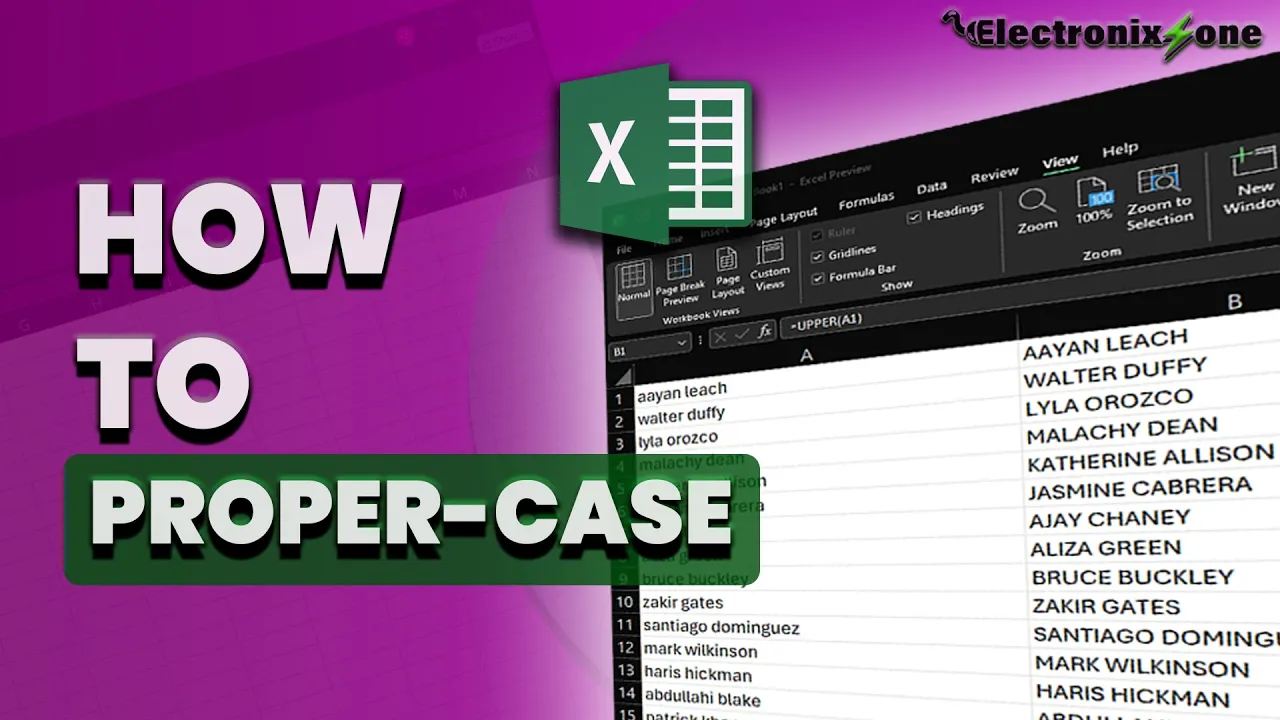
Learn how to use the PROPER function in Excel to capitalize the first letter of every word, and convert the dynamic formula results into static text.
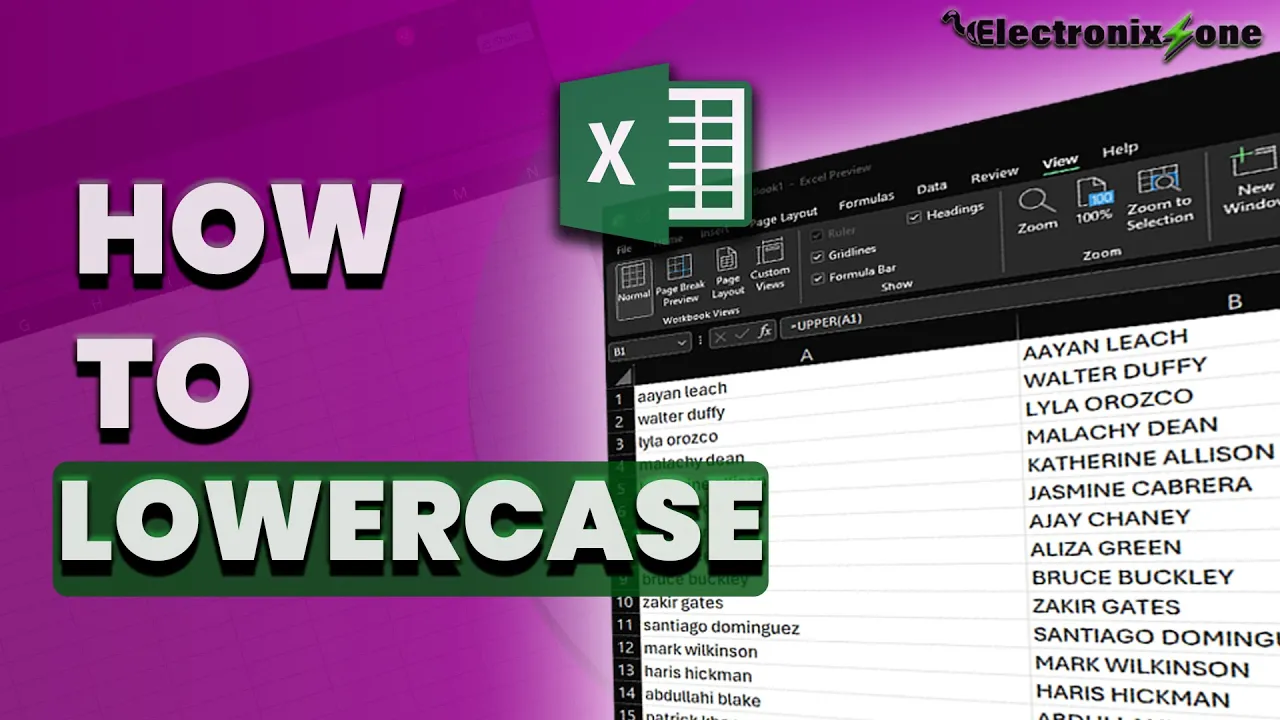
Learn how to use the LOWER function in Excel to convert uppercase text to lowercase, and how to paste the results as static values so they no longer update dynamically.
Add the degree symbol (°) to numbers in Excel using a custom number format — so cells stay real, usable numbers instead of converting to text.
Learn how to use the UPPER function in Excel to convert text to uppercase, and how to paste the results as static values so they no longer update dynamically.