How to Format a Drive on Windows (Disk Management & Command Prompt)
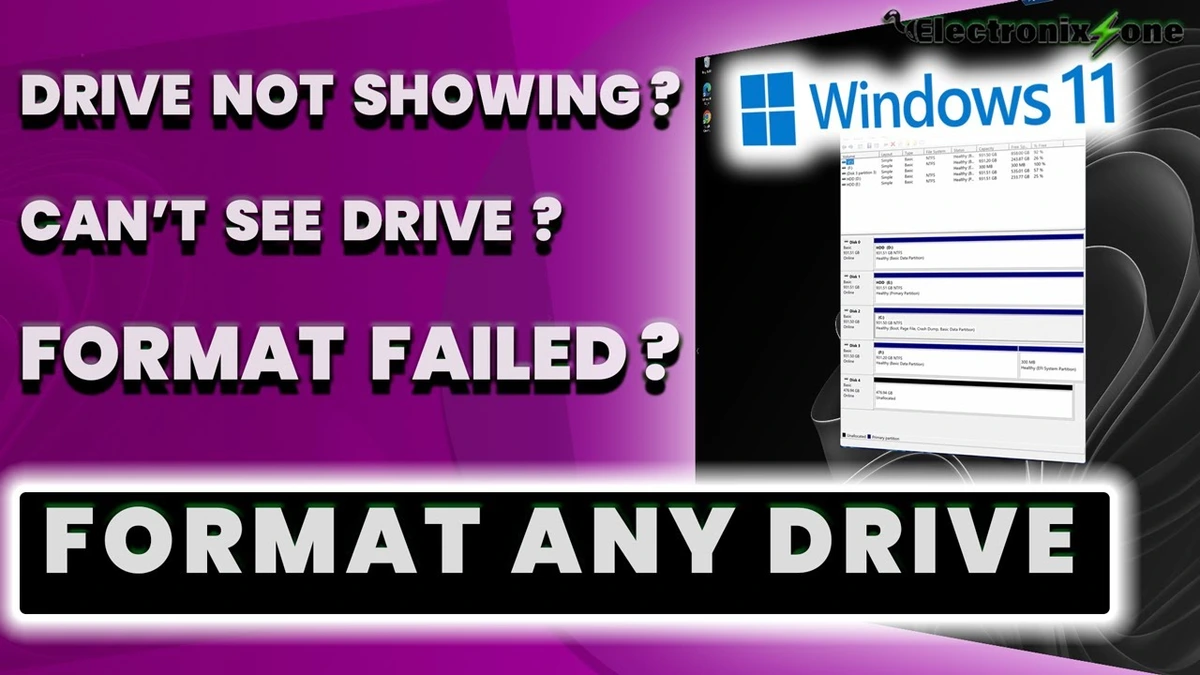
Learn two methods to format a drive on Windows. Method one uses Disk Management to easily create a new simple volume, format it as NTFS, and assign a drive letter. Method two uses Command Prompt and DiskPart for advanced troubleshooting when standard formatting options are greyed out or disabled in Disk Management. Follow along for step-by-step commands to partition, clean, and initialize your drive.
windows4 minverified Dec 23, 2025