How to Combine 3 Columns in Excel
Learn how to combine three columns into one using Excel's CONCAT function — enter the formula with separators, add a space between each value, and fill down to all rows.
windows3 minverified Sep 27, 2024

9 tutorials are filed under Productivity Apps.
Learn how to combine three columns into one using Excel's CONCAT function — enter the formula with separators, add a space between each value, and fill down to all rows.
Learn how to merge two columns into one using Excel's CONCAT function — enter the formula, add a space separator, and fill down to all rows.
Learn how to split a full name column into separate first and last name columns using Excel's Text to Columns feature.

Add the degree symbol (°) to numbers in Excel using a custom number format — so cells stay real, usable numbers instead of converting to text.
Use Excel's POWER formula to square one number, then fill it down an entire column in seconds. A faster way to bulk-square numbers.
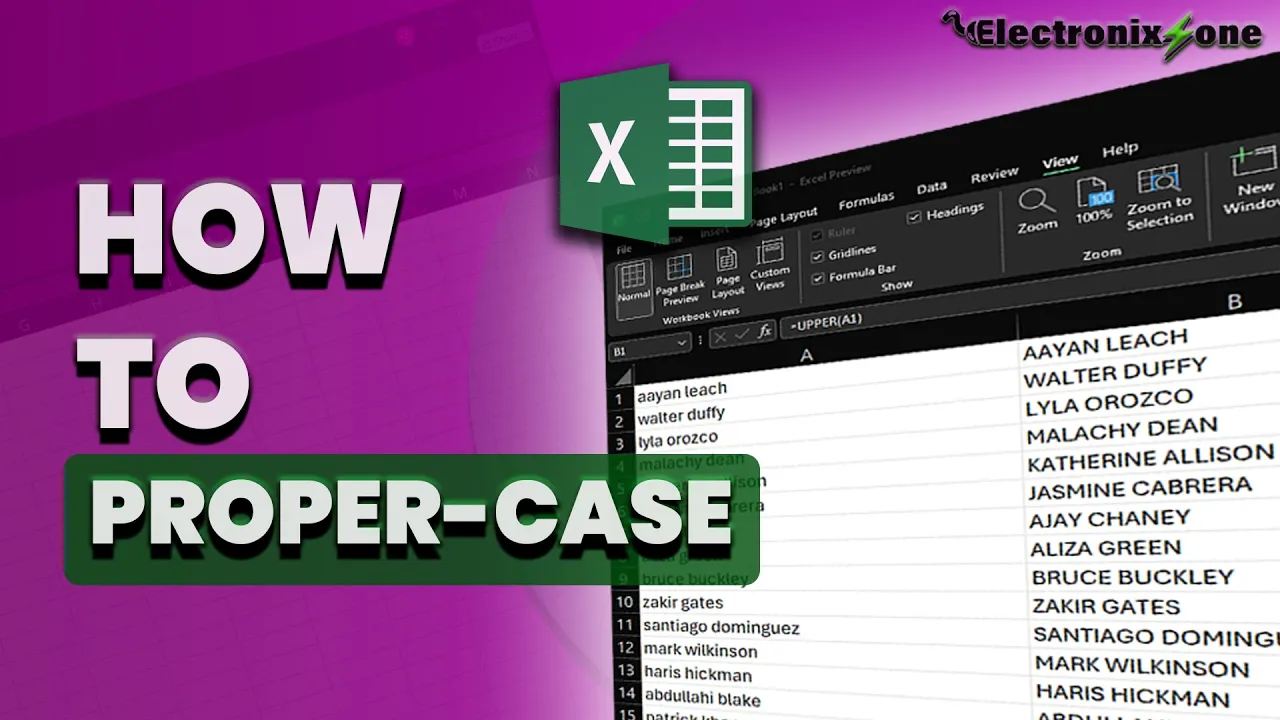
Learn how to use the PROPER function in Excel to capitalize the first letter of every word, and convert the dynamic formula results into static text.
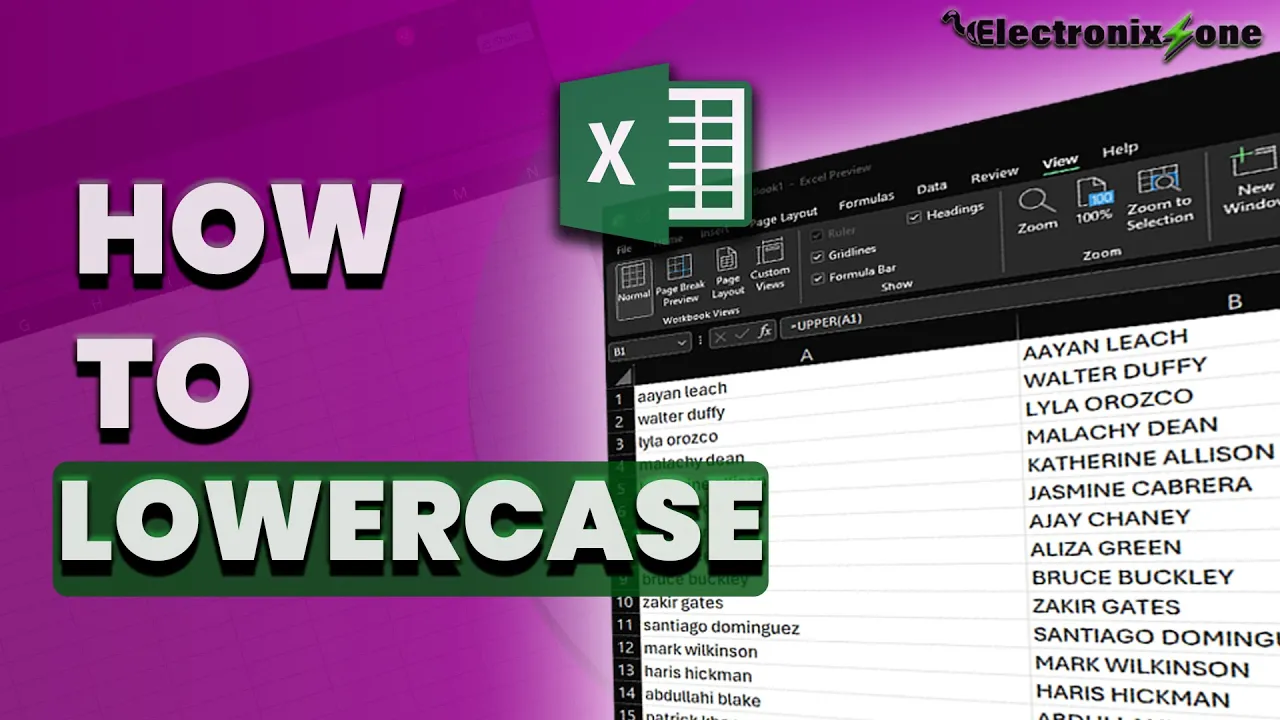
Learn how to use the LOWER function in Excel to convert uppercase text to lowercase, and how to paste the results as static values so they no longer update dynamically.

Learn how to use the UPPER function in Excel to convert text to uppercase, and how to paste the results as static values so they no longer update dynamically.
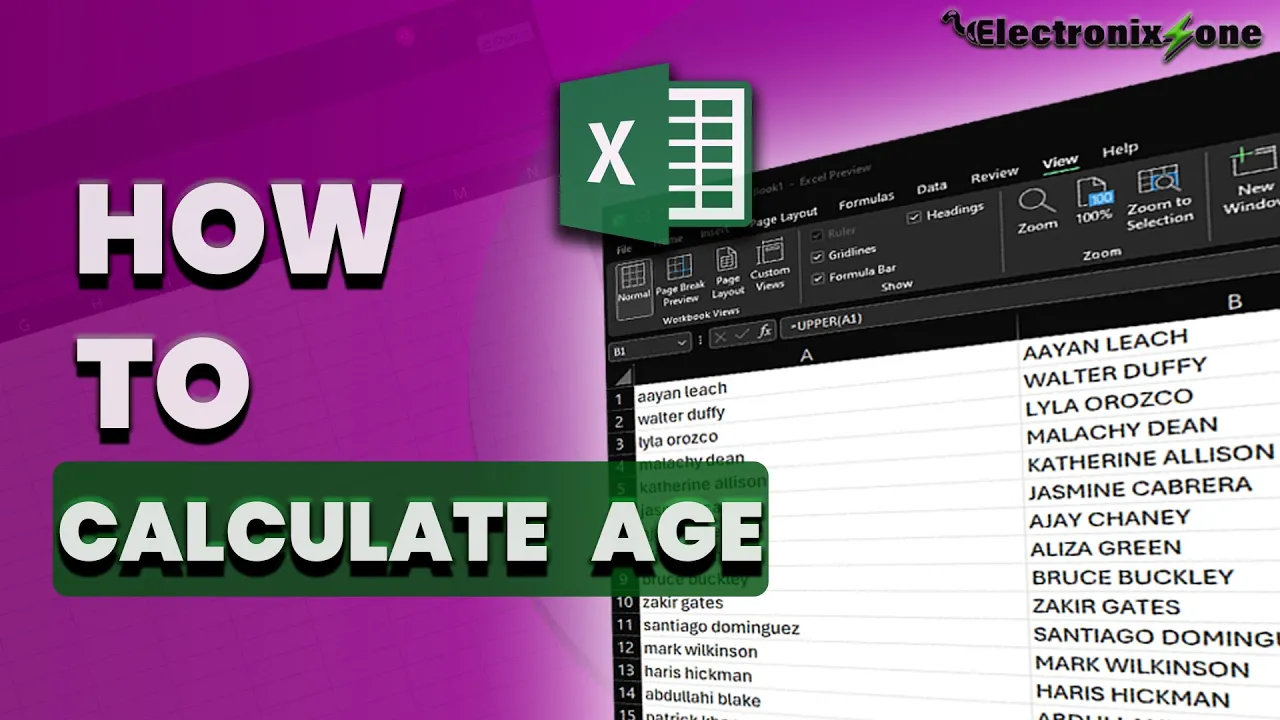
Learn to calculate age from a birthdate using Excel's DATEDIF function — format dates, enter the formula, and fill down to all rows.