OS Install

6 tutorials are filed under OS Install.

Commonly filed under: Systems & Environment

Tutorials

How to Install Windows 10 Pro with a Fully Offline Account
intermediateos-install

How to Install Windows 10 Pro with a Fully Offline Account

Learn how to install Windows 10 Pro completely offline without a Microsoft account or internet connection. This tutorial walks you through downloading the official ISO with the Media Creation Tool, booting from a Ventoy USB drive, skipping the product key, and selecting a local "Limited Experience" offline setup. I also explain what remains customizable on a non-activated Windows 10 Pro copy and reference the upcoming tutorial for those customizations.

windows8 minverified Dec 10, 2025
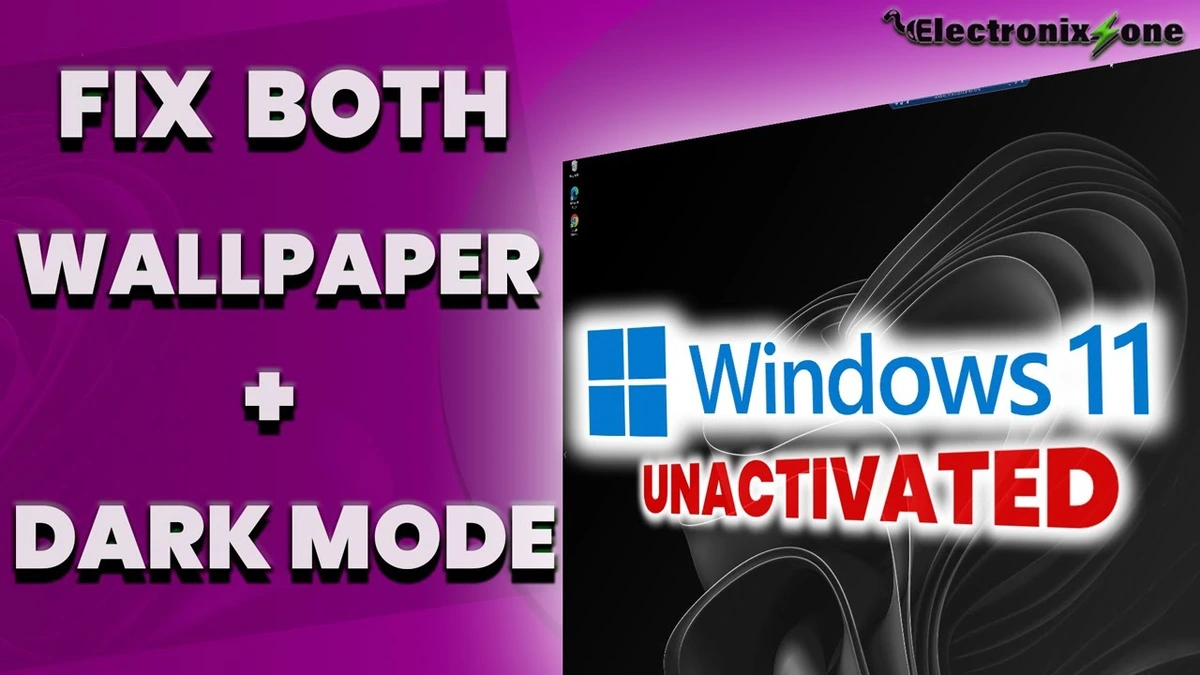
How to Set Custom Wallpaper & Enable Dark Mode on Unactivated Windows 10
beginneros-install

How to Set Custom Wallpaper & Enable Dark Mode on Unactivated Windows 10

Learn how to bypass the activation restriction on Windows 10 to set any custom desktop background and unlock full dark mode. This tutorial covers applying custom wallpapers, restoring default backgrounds from C:\Windows\Web\4K Screen, and enabling true dark mode for both apps and system UI. Open Registry Editor and set the AppsUseLightTheme and SystemUsesLightTheme values to 0 under HKEY_CURRENT_USER\Software\Microsoft\Windows\CurrentVersion\Themes\Personalize.

windows4 minverified Dec 10, 2025
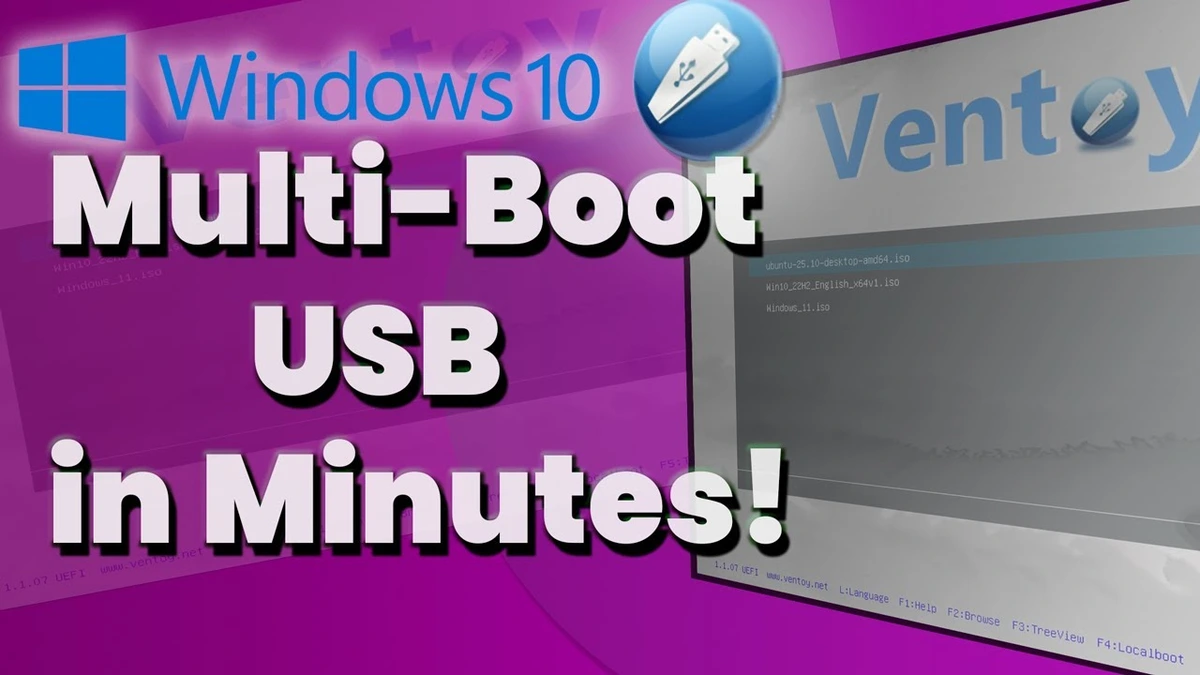
How to Create a Multi-Boot USB Drive with Ventoy on Windows 10
intermediateos-install

How to Create a Multi-Boot USB Drive with Ventoy on Windows 10

Learn how to create a versatile multi-boot USB drive using Ventoy on Windows 10. This step-by-step tutorial covers downloading Ventoy, cleanly formatting your USB drive with Disk Management and diskpart, installing the bootloader, and copying multiple ISO files for Windows and Linux. Includes practical tips for selecting high-quality USB drives, using USB 3.0/Type-C ports for faster transfers, and configuring BIOS boot priority. A complete written guide with detailed instructions and hardware recommendations is linked in the description.

windows8 minverified Dec 2, 2025
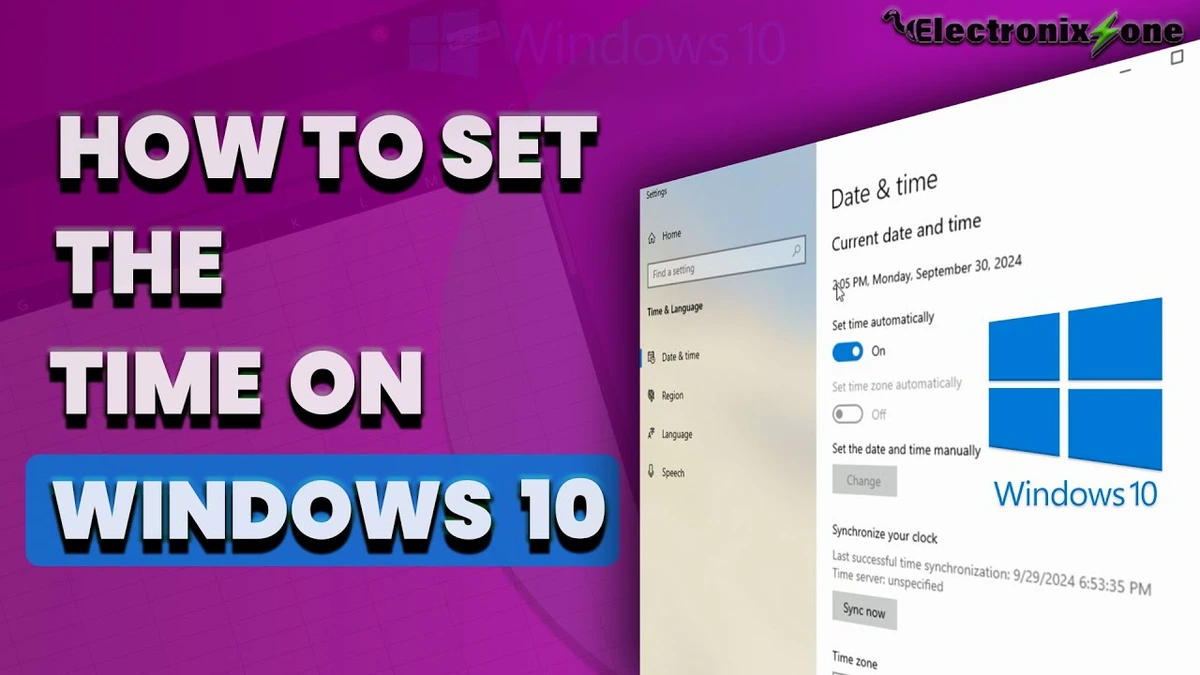
How to Set the Correct Time and Date on Windows 10
beginneros-install

How to Set the Correct Time and Date on Windows 10

This tutorial demonstrates how to fix an incorrect system clock on Windows 10 by right-clicking the taskbar clock, opening Adjust Date and Time settings, selecting the proper time zone, and clicking Sync Now to update the date and time accurately.

windows1 minverified Oct 2, 2024
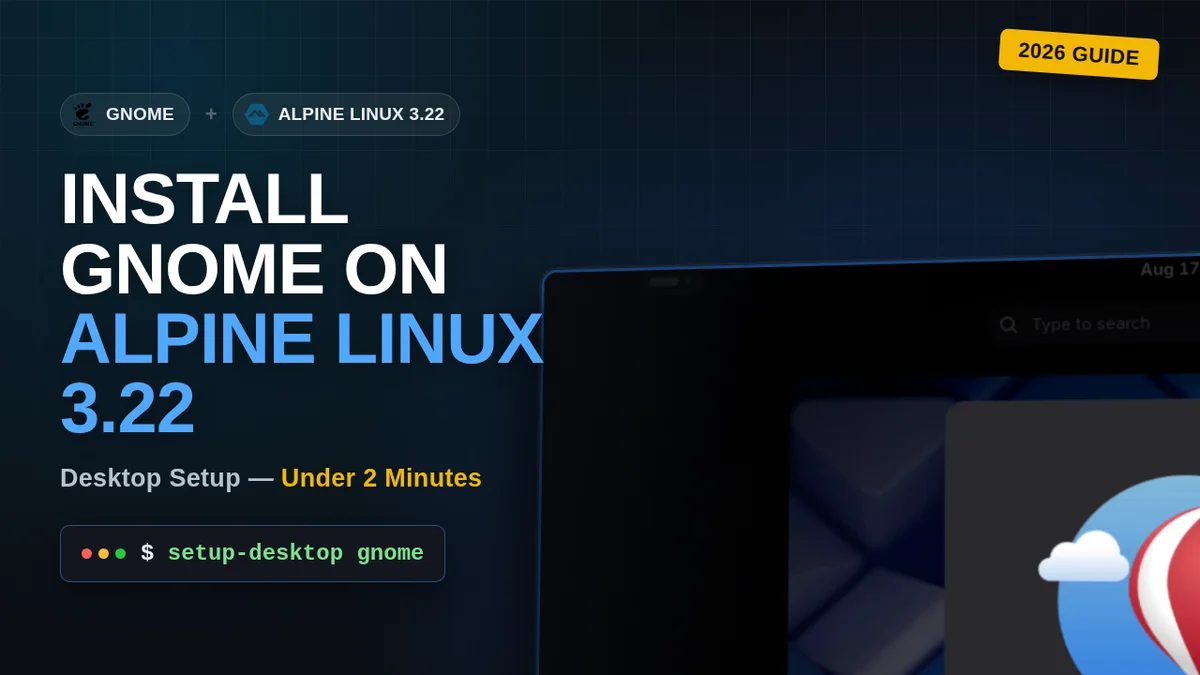
How to Install GNOME GUI on Alpine Linux 3.22
beginneros-install

How to Install GNOME GUI on Alpine Linux 3.22

Install the GNOME desktop environment on Alpine Linux 3.22 — from a minimal terminal-first system to a fully graphical desktop with GDM login.

linux2 minverified Aug 19, 2026