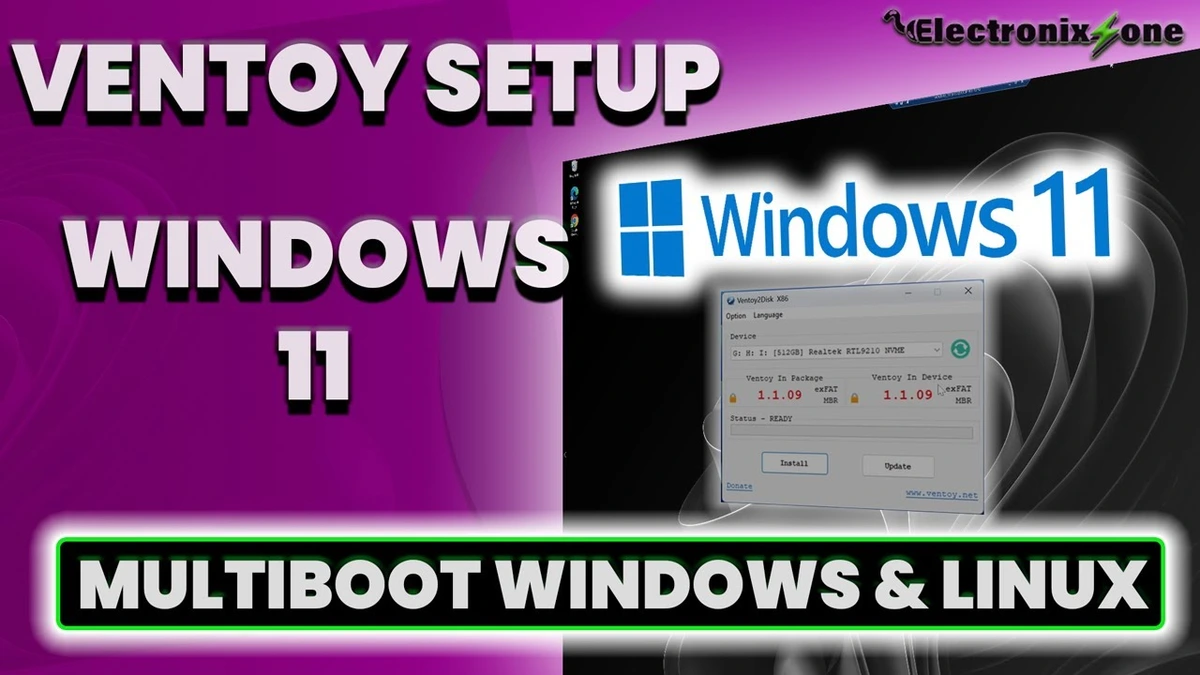
How to Install Ventoy on a Drive from Windows 11
This tutorial shows how to install Ventoy on an external NVMe drive using Windows 11. Steps include downloading the Ventoy Windows zip, running the "Ventoy to Disk" installer, formatting the target drive, and copying multiple ISOs like Windows 10, Windows 11, and Ubuntu. You will also learn how to access your system's BIOS, change the boot priority to load Ventoy first, and successfully boot into each ISO.
windows4 minverified Dec 23, 2025